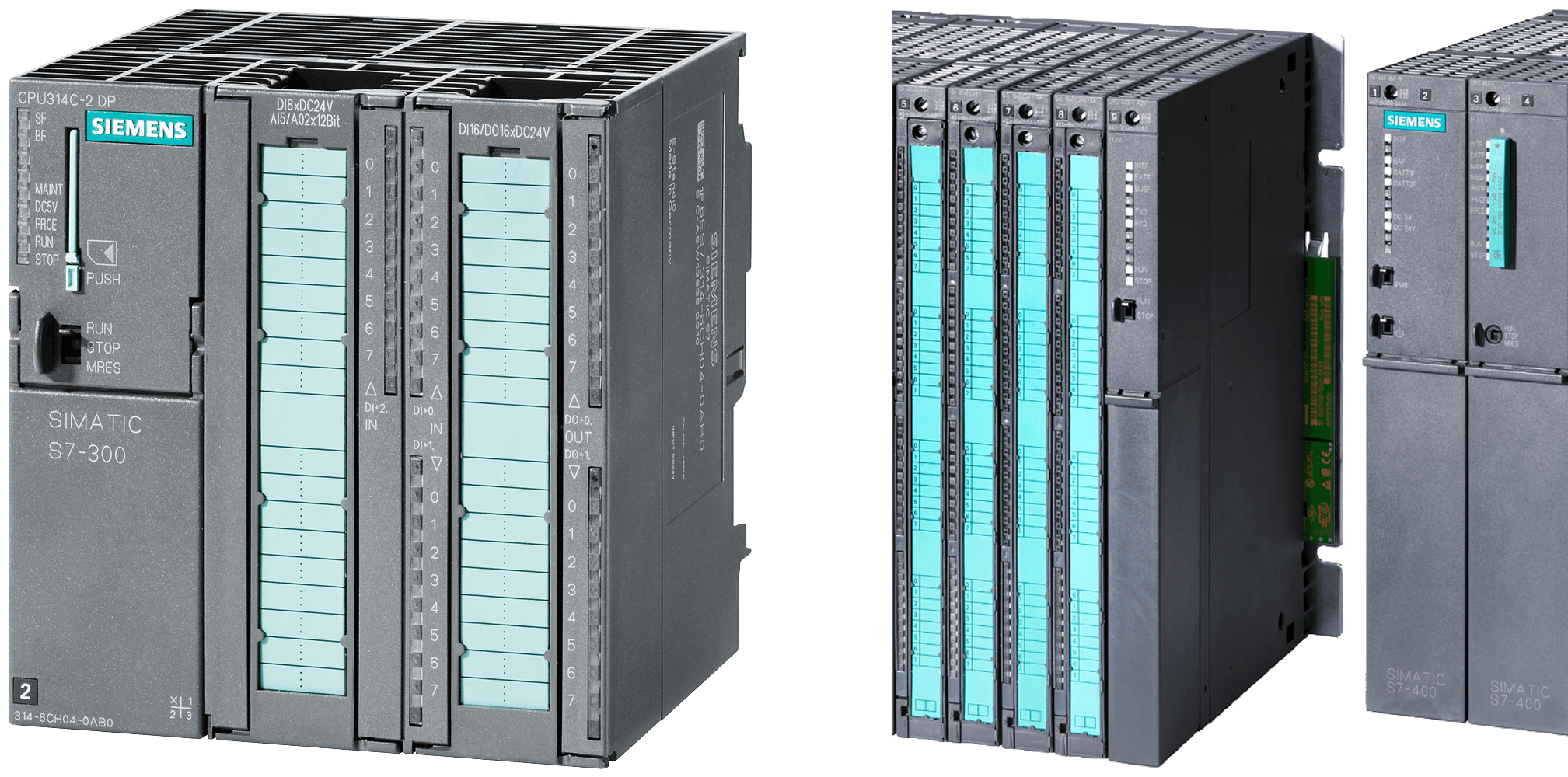
The Siemens S7 controllers of series 300 and 400, introduced in 1994, are among the most commonly encountered controllers by our customers and form the backbone of many production systems. In many cases, all the process data of a system is aggregated on one or more of these controllers and can be read out at this point using an ENLYZE SPARK.
Whether the S7 already offers an Ethernet/PROFINET connection or has only the classic MPI/PROFIBUS interfaces – a connection with the ENLYZE SPARK is possible in any case.
To read out these S7 controllers, a list of the existing process variables is also required. Unlike the successor generation, the models of the series S7-300 and S7-400 cannot have this variable list read directly from the controller. However, ENLYZE offers a diverse repertoire of options to obtain this variable list, for example:
Extracting the variable list from a STEP 7 project file using our ENLYZE S7-Project-Explorer (free download with freely available source code). In collaboration with the system manufacturer, this is often the fastest solution.
Analyzing a STEP 7 project file if you have the programming of the system available.
Reading the variable list from a connected Siemens SIMATIC HMI control panel.
Required Information:
Manufacturer of the system
Photo of the control cabinet with the S7-300/400 controller
If available: Bus and IP address of the controller as well as a free bus and a free IP address (for the ENLYZE SPARK) in the same network. Alternatively, ENLYZE can obtain this information during an on-site visit.
Technologies Used:
Classic S7 protocol (RFC1006)

